Beyond the Prompt: Where AI Drafts and Humans Design the Real App

Let’s be honest – we all get the hype. A new AI coding tool drops. An AI app builder promises magic. You try it… and wow. In minutes, you’ve got a shiny app. But is it enough?

Category: Web Development
Let’s be honest – we all get the hype. A new AI coding tool drops. An AI app builder promises magic. You try it… and wow. In minutes, you’ve got a shiny app. But is it enough?
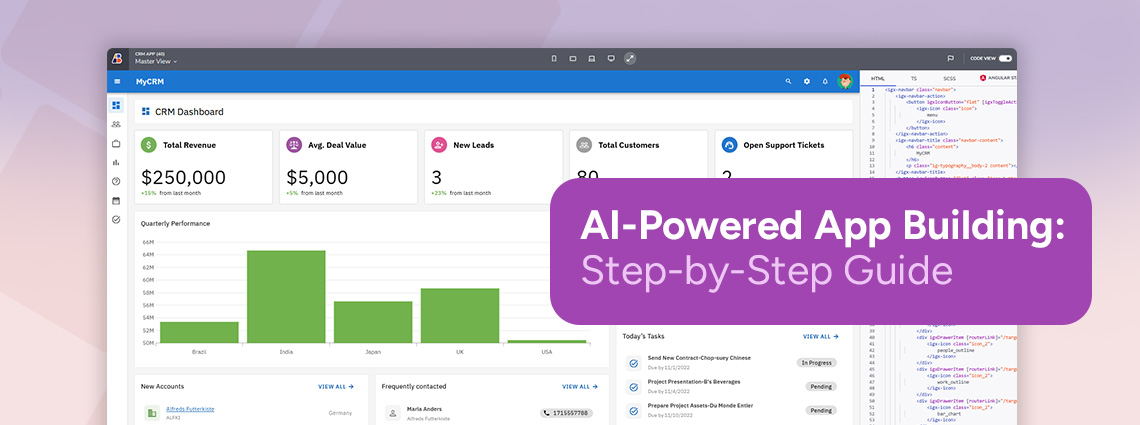
It’s safe to say that AI-powered app building makes the most sense in scenarios where speed, iteration, and reduced manual effort are critical. But how to handle it? We give you the steps.

App Builder’s one-click deployment takes a significant step towards simplifying modern web app development. By eliminating the need for manual configuration and seamlessly connecting design, code generation, and deployment, teams can focus on innovation instead of infrastructure.

The low-code development is changing fast. That’s for sure. Pro-code developers no longer see it as a practice that only empowers citizen developers or junior programmers. But what are the factors that influenced the shift in their mindset and development philosophy?

Continuous delivery no longer has to be complex or resource-heavy. With low-code platforms like App Builder, teams can fast-track development, automate prototyping, testing, and deployment, and leverage AI capabilities, making releases faster and more reliable.
AI code generation is powerful. It’s fast, flexible, and great for tackling isolated coding challenges or exploring ideas. But it’s not a silver bullet. Relying on it alone for complex, scalable, or production-grade applications comes with tradeoffs in consistency, security, and collaboration. That’s where tools like App Builder come in.

Many organizations in healthcare, finance, etc. have specific needs around security, cost control, performance-sensitive workloads, or integration when using certain technology and platforms. Some of them opt for cloud-based solutions. Others find that the cloud alone doesn’t fully meet their operational or regulatory requirements. This is where on-premise development and App Builder On-Prem come into play.
Want to quickly connect your database and build full-featured apps? This guide will show you how to connect App Builder with Microsoft’s Data API Builder. Read more.
It’s not the end of the human role in app development. The software industry is still far from being completely overtaken by AI-assisted development, removing the need for developers. On the contrary, AI in software development serves as a complementary technique that extends human capacity while opening space for strategies, creativity, and efficiency.
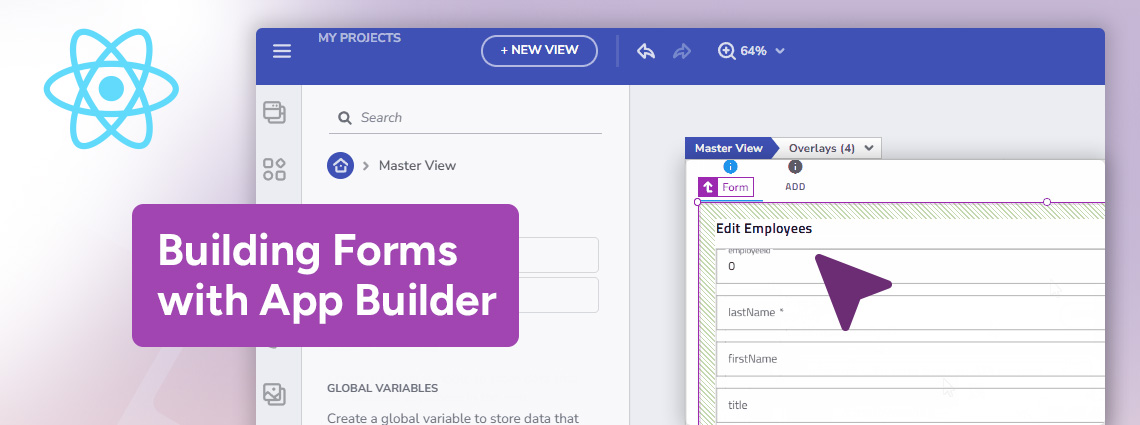
App Builder streamlines anything from design to code, and with the recently introduced Form Builder functionality and its intuitive drag-and-drop interface, creating forms now happens faster and more efficiently than ever before.

What are the three key components that can help you visualize and interact with complex data? Learn more about TreeGrid, Tree Component, and Hierarchical Grid.
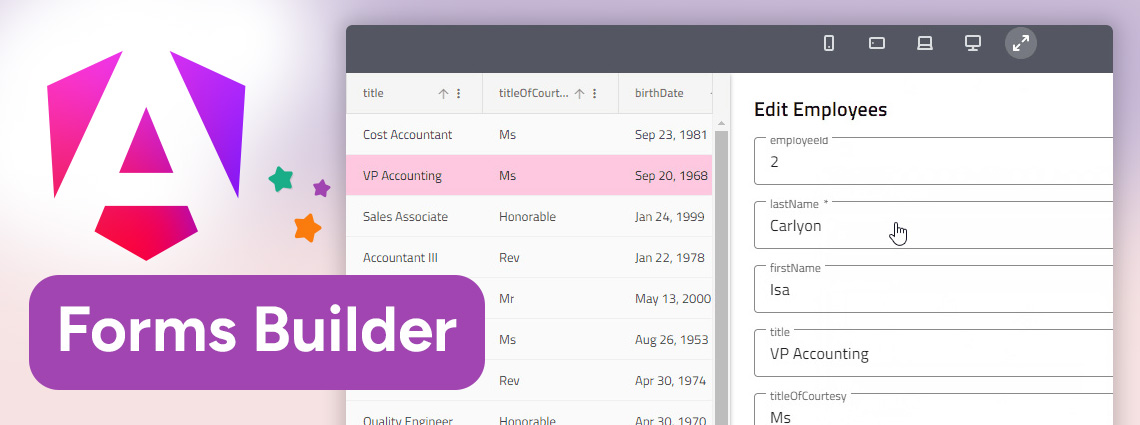
Forms are essential for collecting data and App Builder’s Angular Form Builder lets you create forms using an intuitive drag-and-drop interface and powerful features. All with full customization, code flexibility, and no vendor lock-in.

App Builder is a low-code platform that can provide your organization with the flexibility, security, and features you need for building an MVP quickly and at a fraction of the cost of traditional development. But how to do it step by step? Read here.

According to low-code statistics by Forrester, “91% of IT and business decision makers responsible for digital transformation initiatives at enterprises in the US, the UK, Canada, and Australia use low code to improve existing IT capabilities to promote agility and innovation.” And now, they are used as tools to improve developer productivity too. But how?
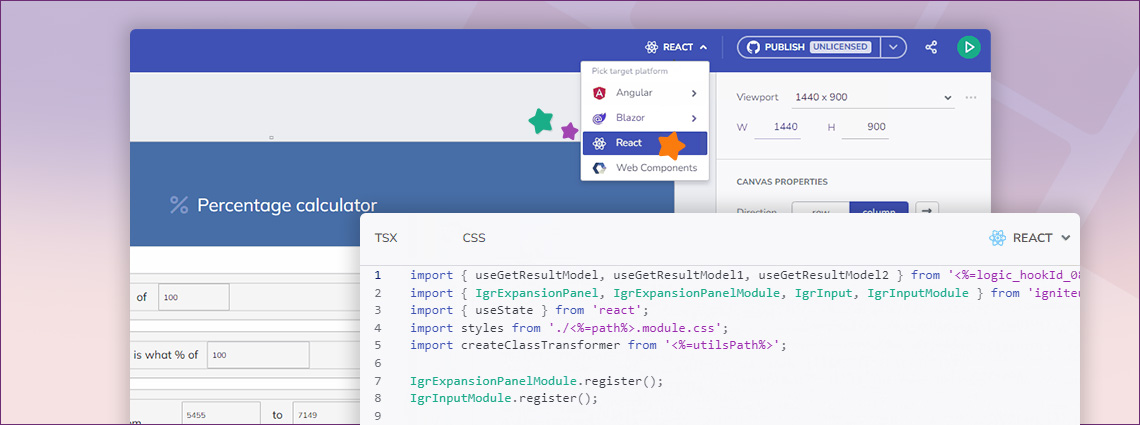
The latest App Builder release brought exciting improvements, with the most anticipated one being React Code Generation. And this step-by-step guide will show you how to generate production-ready React code in a few clicks.
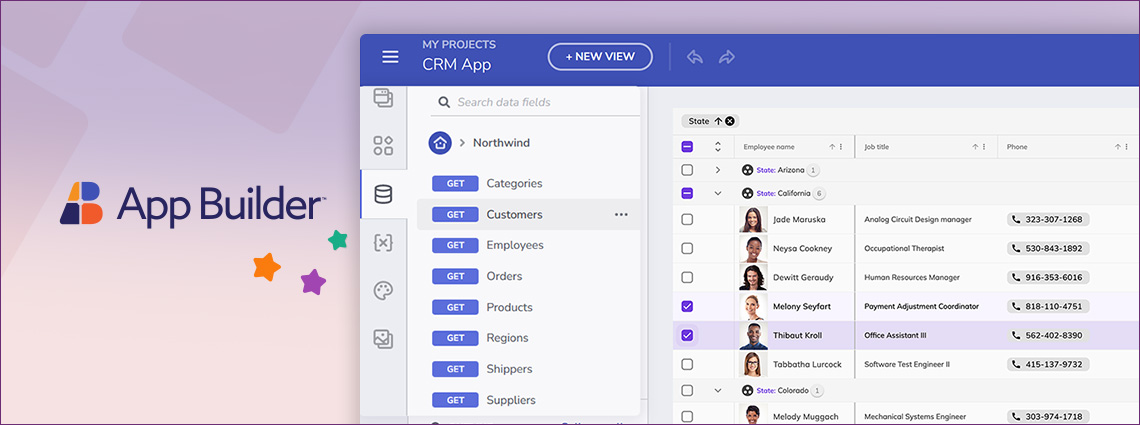
Another exciting App Builder release is out today. Now advancing your app development with Two-Way Data Binding, updated Datasource OpenAPI Schema, and others.
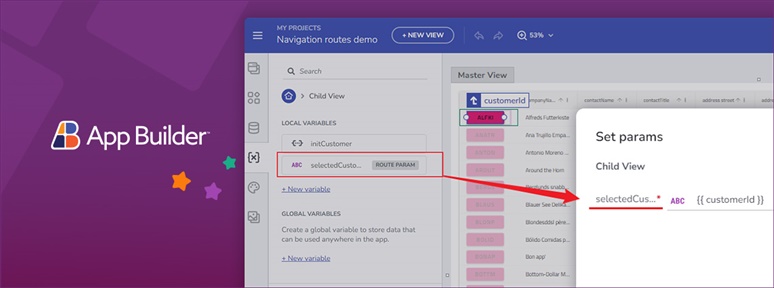
With its cloud-based visual builder, low-code capabilities, and new features, App Builder is a must-have tool for any organization. See the latest updates.
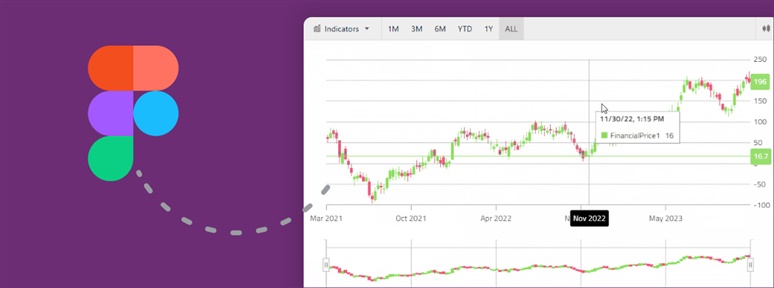
It’s the last release of App Builder for the year and brings many enhancements to be excited about. Read all about them in this release blog post.
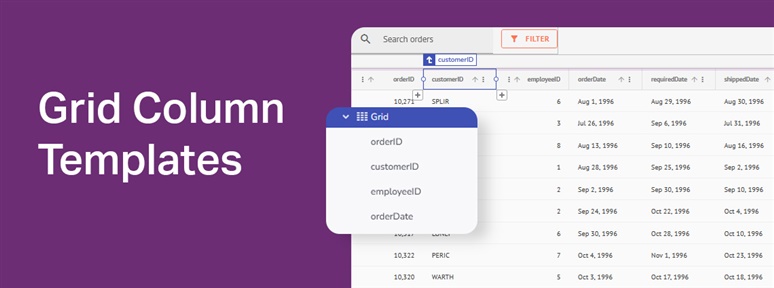
What is a Grid Column Template? How can you start using it in your next application in a time-efficient manner? This blog post will show you the way.
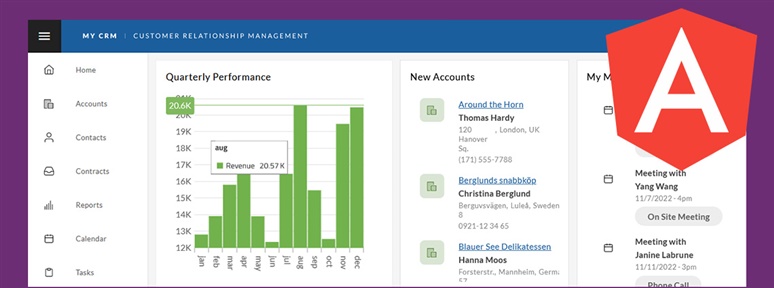
In this blog post, we use our WYSIWYG App Builder™ to build a customized Angular CRM app using a sample and a low-code development approach. See how it’s done.
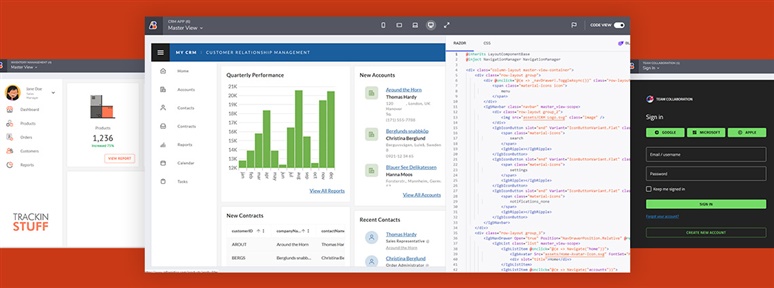
This article explores three fully functional Blazor sample applications that get you started with ease. Add some customizations, and they will become your own.
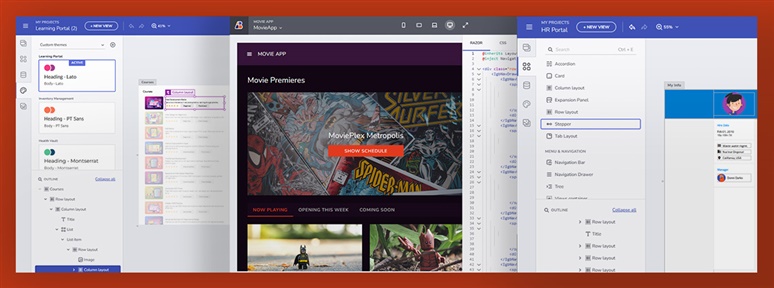
Sometimes you don’t have to start an Angular project from scratch. You can use a sample application and make it your own with additional customizations. This article provides a few examples to get you started.
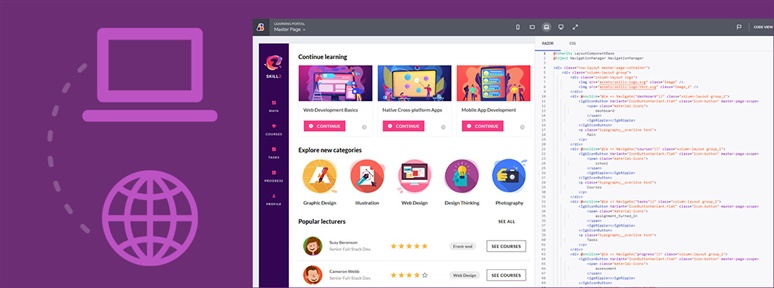
Going from a desktop application to a web application takes time and a lot of effort. But not when you have the right tools in place. See how you can enable your team to make the transition with ease.
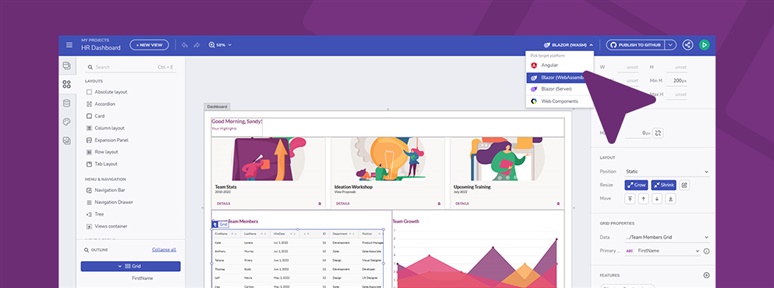
In this step-by-step guide we will show you the way for crafting a fully functional and customizable app. For the purpose of the article, we will use low code and role-based API.
Here’s another great how-to blog post. It will show you how to use ASP.NET Core to build role-based Web API and Swagger UI to visualize and interact with endpoints.
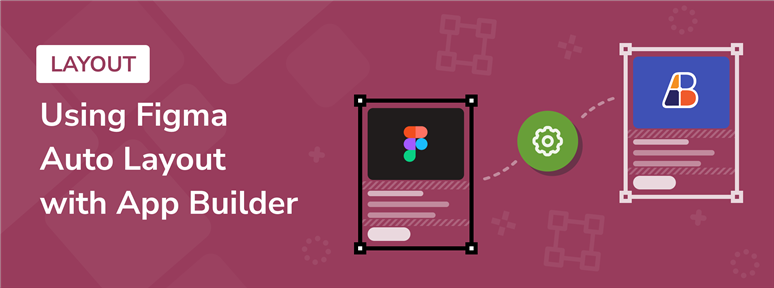
Here’s a quick trick: you can accelerate the design-to-code process with the help of low-code App Builder and Figma Auto Layout. See how to do it.
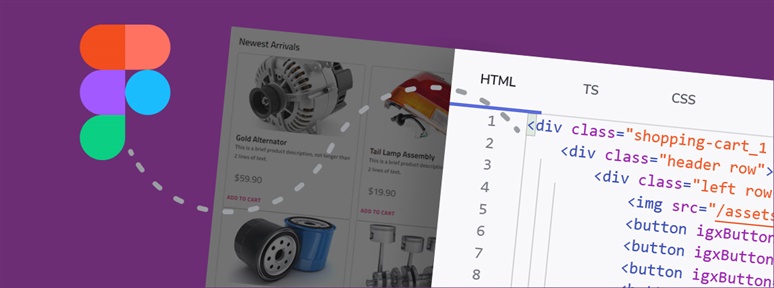
How to go from a simple design file to a production-ready code? It’s easy with App Builder and you now have all the ways and steps outlined in this blog post.
Not too long ago we released Swagger UI and now we want to show you how to use it in you Angular and Blazor applications. Read the tutorial.
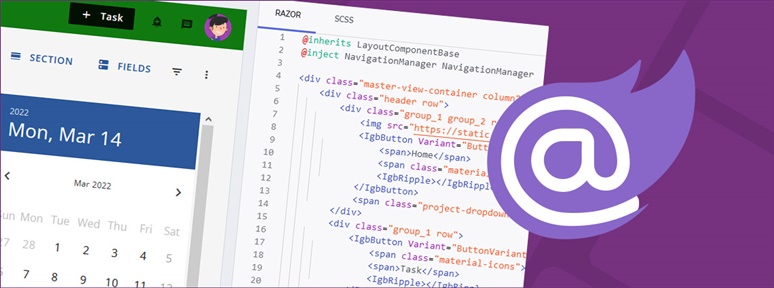
What is Blazor code generation? How can you take advantage of it in a click using low-code App Builder? Find the answers in this step-by-step guide.
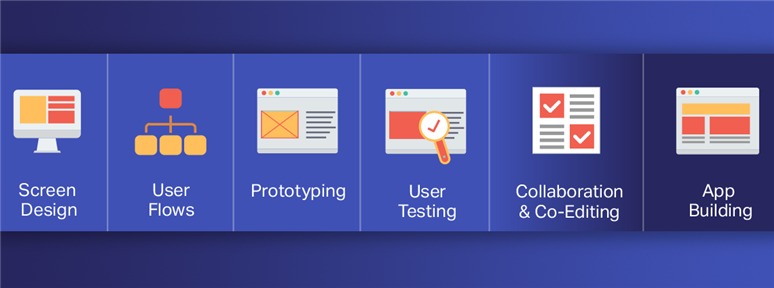
It is not enough to hand over a Sketch or Figma design file, for example, and leave the developer run with it. Teams need a single platform that will act as a “force multiplier” – an efficient product design platform.
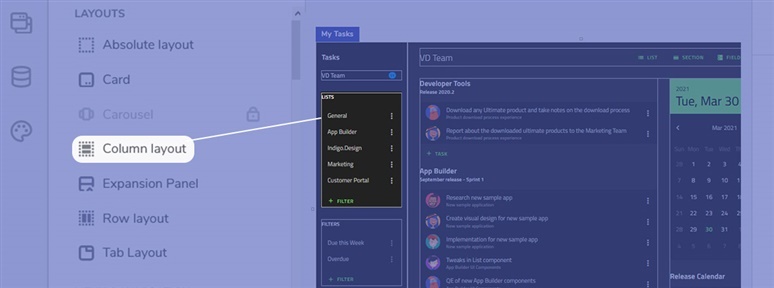
What is a UI kit? How to use it? And what are the advantages and disadvantages? This article dives deeper into these questions, providing you with the answers and some of the best UI kits available out there.

What is a designer-developer handoff? How much time does it typically consume of your development work? And how can teams handle it better so the design-development process runs smoothly? Here are the answers.
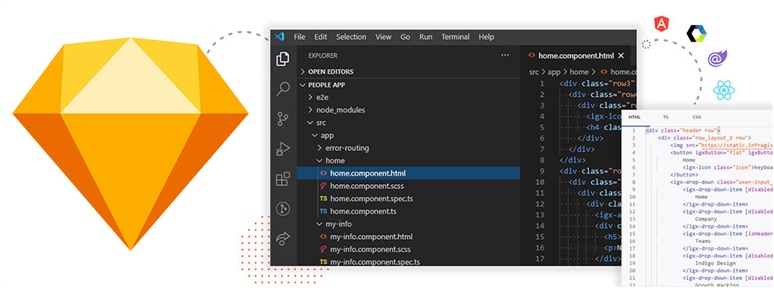
How to go from a simple design file to a production-ready code? It’s easy with App Builder and you now have all the ways and steps outlined in this blog post.
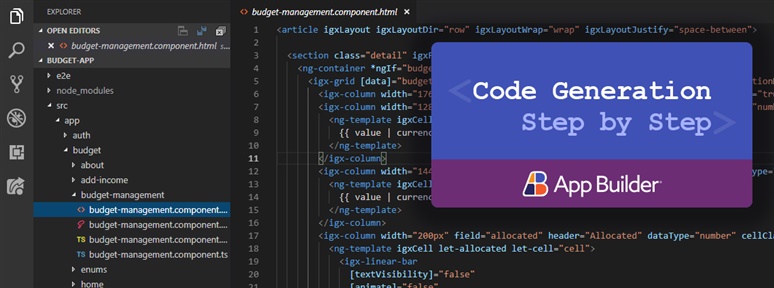
Read this step-by-step guide to learn how to generate production-ready code in Angular in a single click with low code.