Working with Hierarchical Data in App Builder
Hosted on: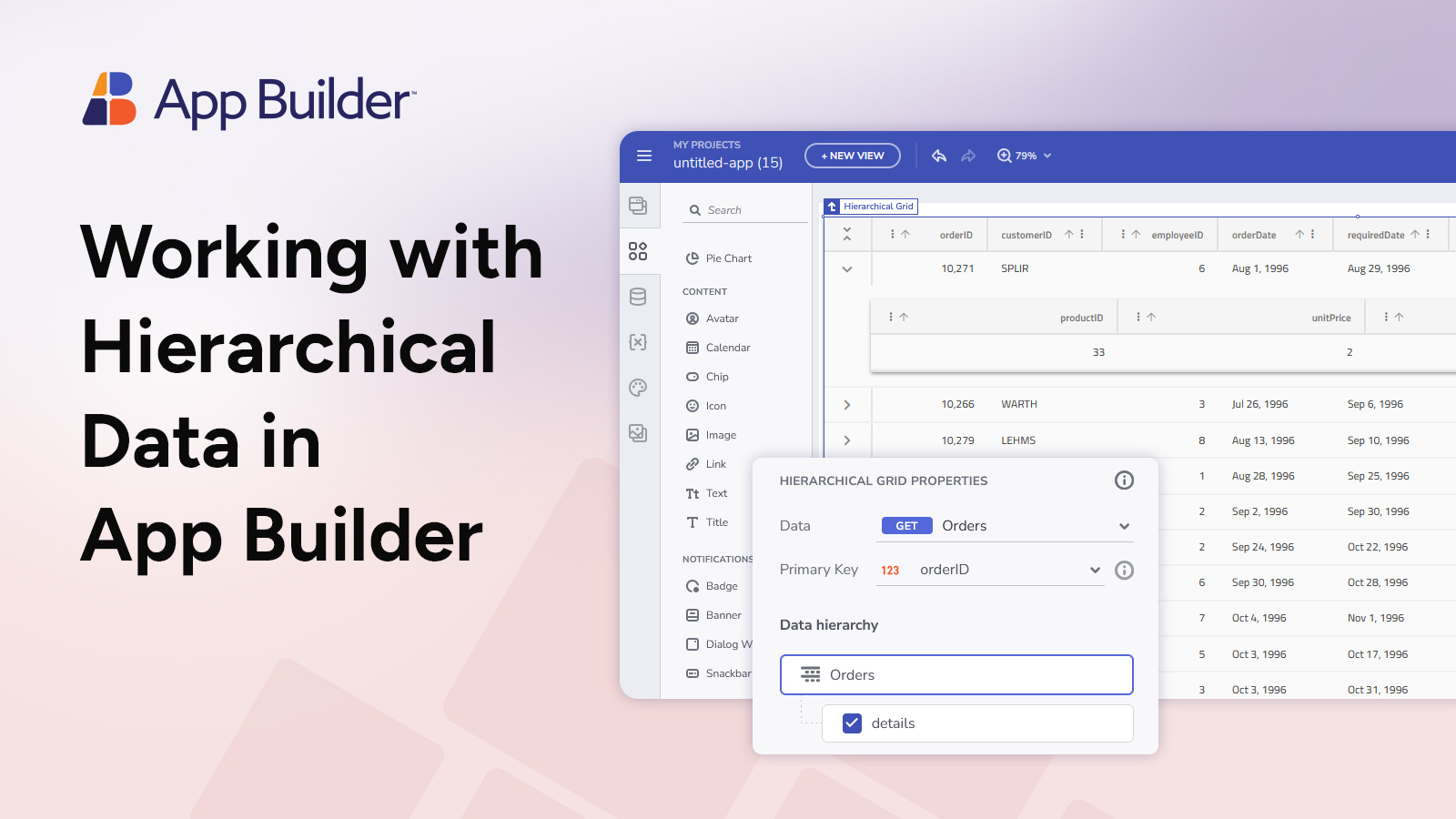
Over the last few months, we’ve been enhancing App Builder with powerful new features, including the addition of the Hierarchical Grid to our toolbox. This dynamic feature allows users to display and interact with complex, nested data structures and is designed to handle up to five levels of depth. In our next webinar, we will explore key features and best practices to help you implement the hierarchical grid into your next application.
In this webinar, we will show:
- Hierarchy Management: Allow users to selectively show or hide child grids, enhancing user experience by managing data complexity.
- Easy Navigation: Intuitively navigate through the hierarchy via the Outline panel. Users get tailored control, plus customizing features like sorting and pagination.
- Automatic RowIsland Generation: Bind HGrid to a hierarchical data source and automatically generate RowIslands for each level of data up to 5 levels deep.
By the end of this demo-focused webinar, you’ll have the insights needed to harness these features, empowering you to build responsive and feature-rich applications using App Builder.